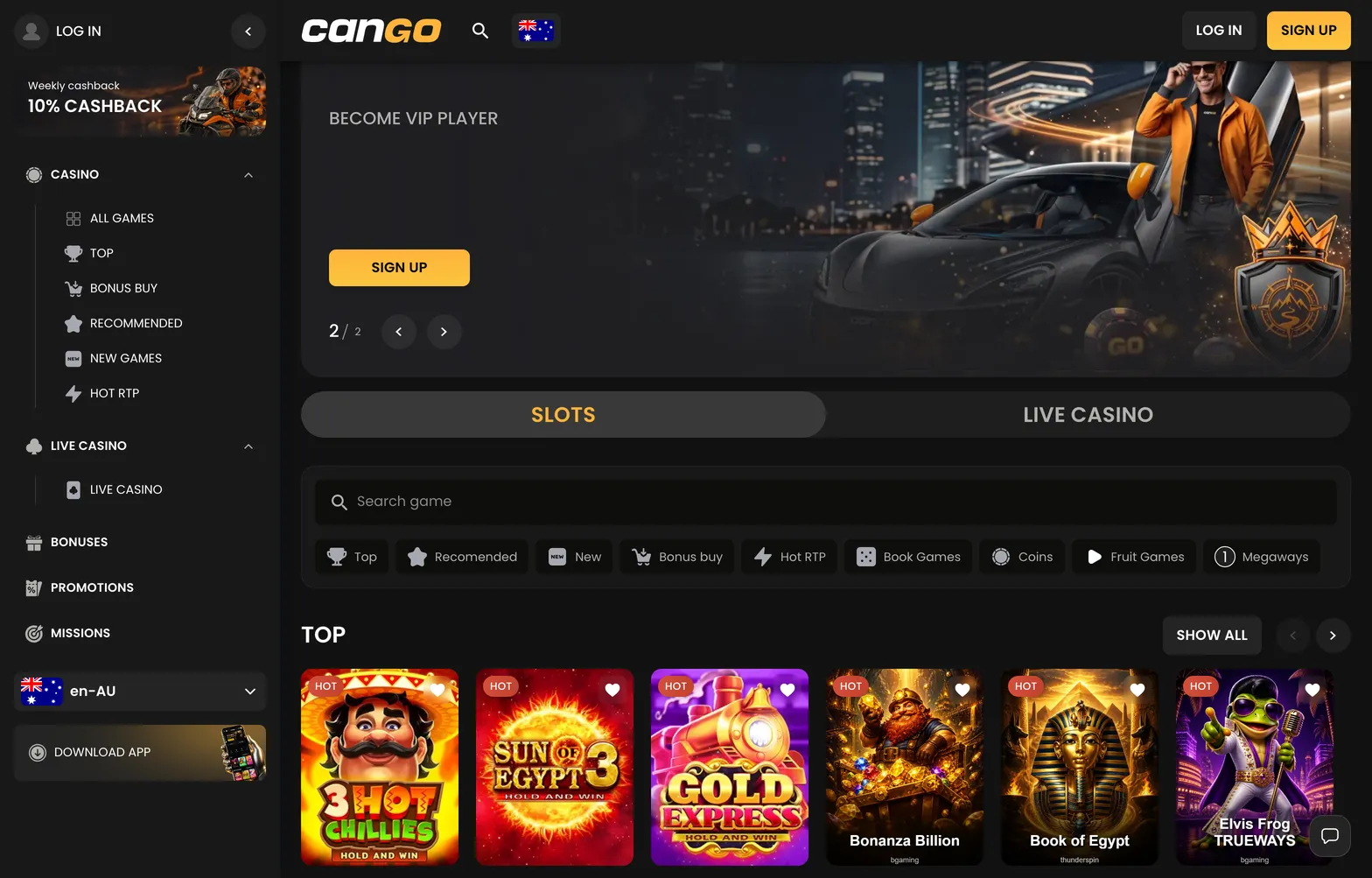

Opening an account at Cango (also written as Can Go Casino) takes a couple of minutes on a single registration form, which you can open by clicking the Sign Up button in the top corner of the casino lobby. Cautious players in Australia should pay close attention to two choices on this screen: the permanent account currency and the promo code field. Because the platform locks your currency at registration and enforces a strict one-account rule in its Policy Centre, getting the details right on your first visit saves trouble when you eventually request a cashout.
Cango sign up: the form fields overview
When you click the registration button in the header, a single pop-up window appears over the lobby. Every piece of data you type here is tied to your future identity check. You can verify the exact fields required by opening the registration form directly on the home screen.
| Field | What to enter | Why it matters |
|---|---|---|
| Your active personal email address | Used for login, password recovery, and support messages | |
| Password | A string of 8+ characters | Protects your balance; required for standard sign-in |
| Country | Australia | Sets your regional lobby view and local settings |
| Currency | AUD (or EUR, CAD) | Chosen once at sign-up and cannot be changed later |
| I have a promo code | WP1 | Activates the 150% first deposit match and 300 free spins |
| 18+ and T&C checkbox | Tick the box to confirm | Mandatory agreement to the Policy Centre rules |
| Newsletter | Tick or untick (on by default) | Controls marketing emails about weekend reloads |
The ground rules sit in the Policy Centre at the bottom of the page. The casino allows strictly one account per person, household address, and device. Creating a second profile to change a mistyped detail or claim an offer twice is treated as a breach of the Terms and Conditions. Furthermore, the use of a VPN is banned. If you register while connected to a proxy server, the system can flag the session as a location mismatch during your first withdrawal check.
When you later withdraw, the cashier will ask you to complete verification through Sumsub. That check requires a passport, national ID card or another photo ID, a proof of address no older than 90 days, and a selfie with the document. Typing your real, accurate details from day one ensures that your profile matches your documents when the 24 to 48 hour verification window begins.