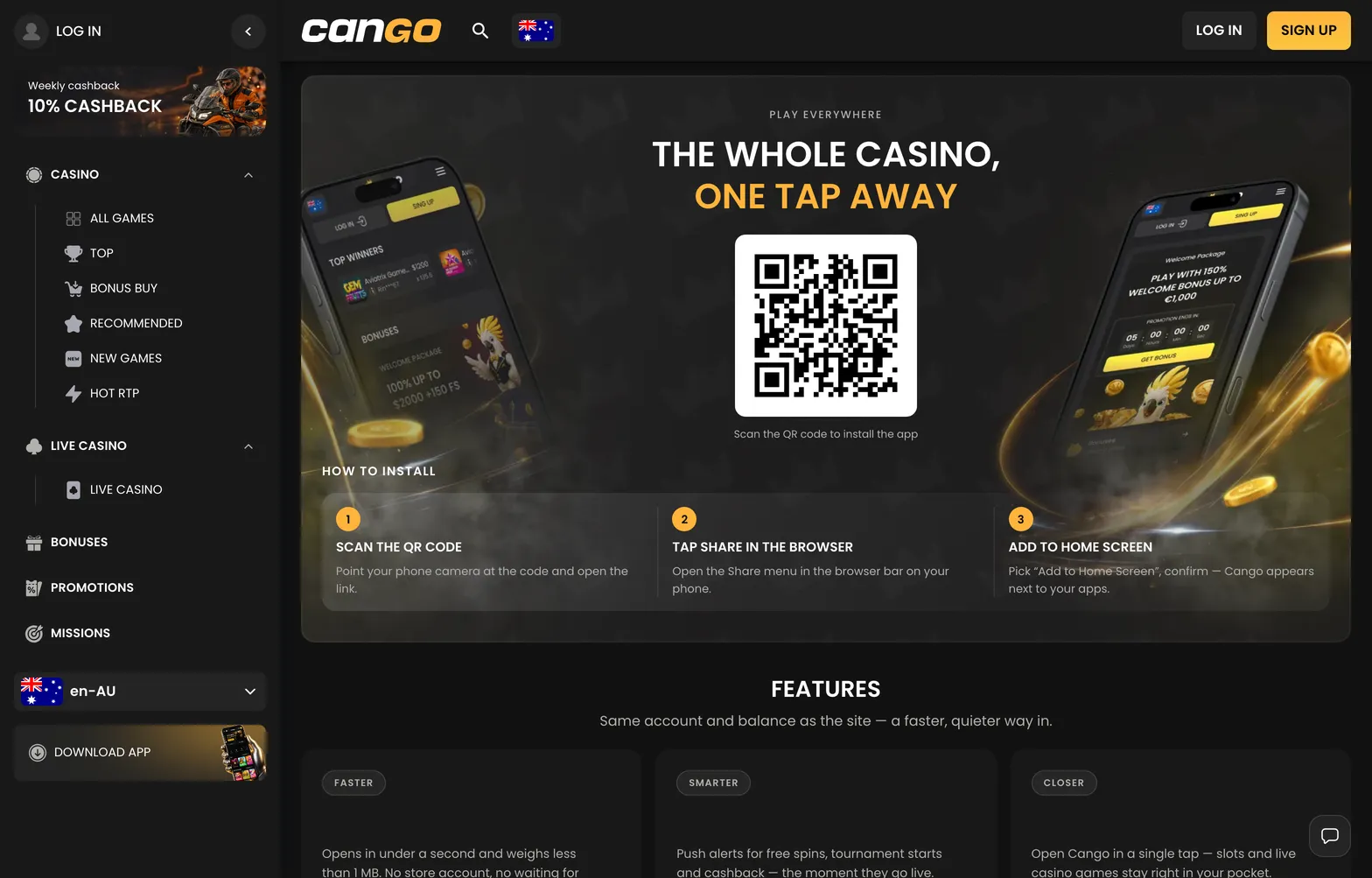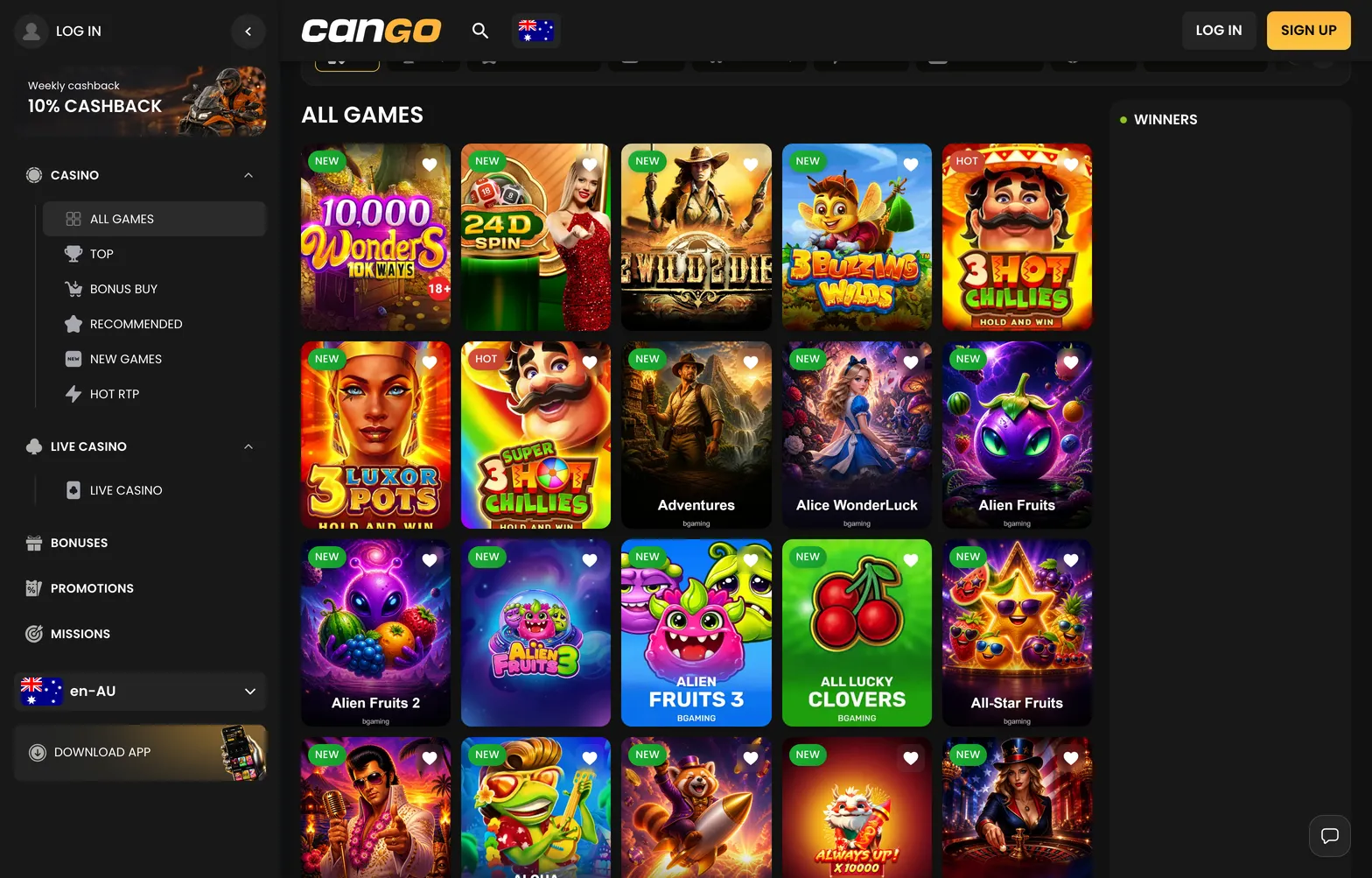

The cango app is a mobile-first setup designed for smartphones and tablets without a download from an app store. Instead of installing a native application, players use a Progressive Web App (PWA). This technology allows the browser to create a shortcut on your home screen, providing an experience that mimics a standard app while remaining entirely web-based. It consumes minimal storage space, updates automatically without requiring manual action from you, and maintains the full functionality of the desktop version, including access to the lobby, cashier, and 24/7 customer support.
Cango casino app: install in brief
The Download iOS and Download Android buttons on the casino site lead to the same browser install, which you can check on your phone in a minute. The table sums up the cango casino app setup.
| Device | Steps | What you need |
|---|---|---|
| iPhone (Safari) | Scan the QR code on the casino site or open it in Safari, tap Share, select Add to Home Screen | Safari browser, iOS device |
| Android (Chrome) | Open the site, tap the browser menu, select Install app or Add to Home screen | Chrome browser, Android device |
| Login | Use your existing email and password or Google sign-in | Registered account |
| Updates | Automatic (no manual update required) | Stable internet connection |
Most players will find that the setup takes less than a minute. Once added to the home screen, the casino icon appears alongside your other applications, allowing for quick access to your account at any time. Because this is a web-based shortcut, you never need to search for updates in an app marketplace; the casino updates its own content on the server side, so you always see the latest version upon opening the icon.