Cango withdrawal: declined withdrawal fixes
Having a payout sent back to your gaming balance is frustrating, yet almost every rejected cango withdrawal traces back to one of four specific account rules found in the Policy Centre. You can check your own status against these requirements inside your account profile and the cashier before you contact the 24/7 live chat team.
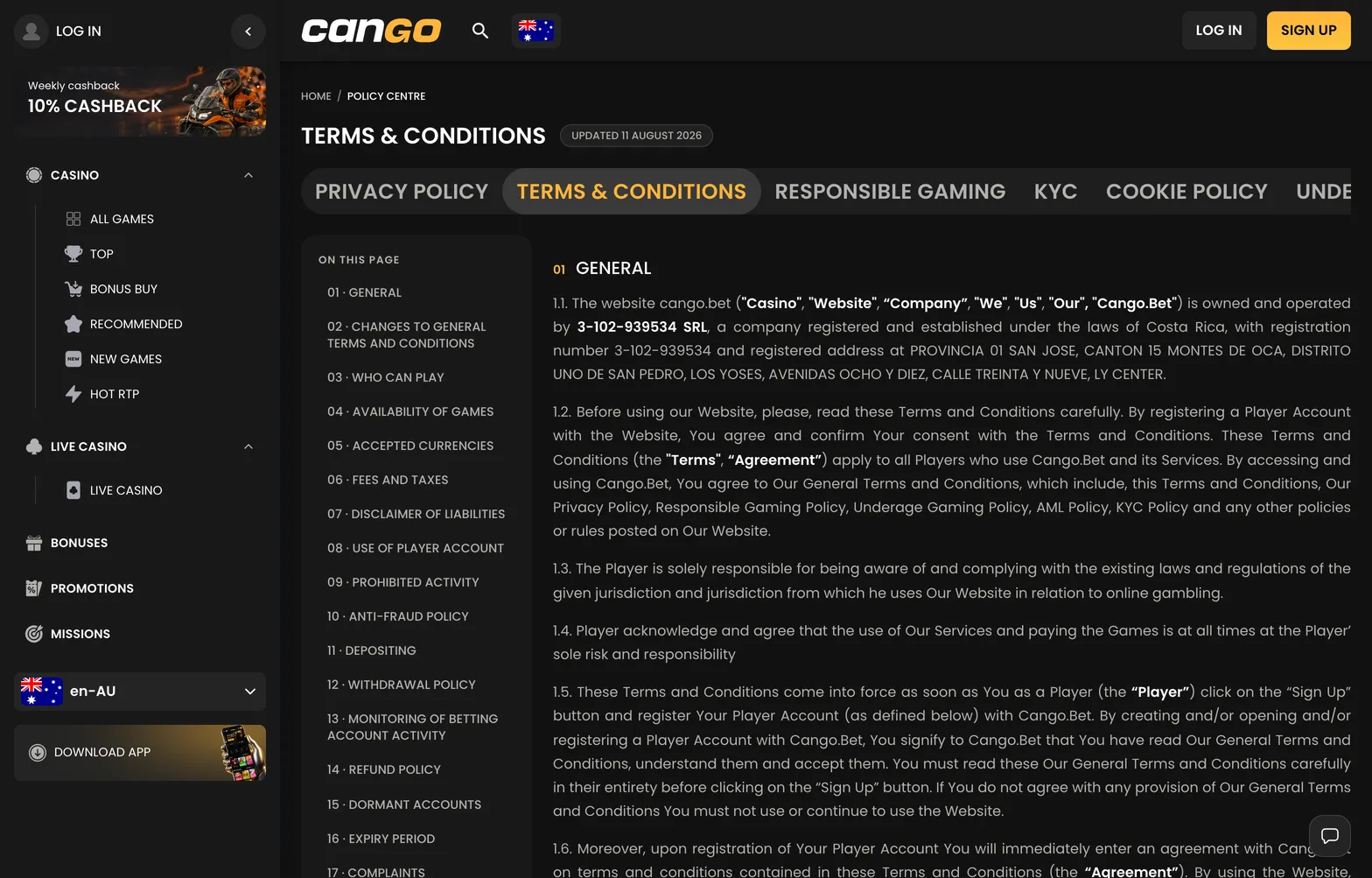
- Unfinished deposit turnover requires you to wager any standard deposit at least x1 on pokies before requesting a cashout. You can check the Anti-Money Laundering policy in the footer to read this rule, and if you deposit A$50, you must place at least A$50 in total bets on pokies before the cashier allows a payout.
- Active bonus wagering blocks the Withdraw tab until you clear the x30 multiplier attached to the welcome pack or Sunday reload. If you claim the first deposit offer with code WP1, your bonus balance area shows how much of the x30 requirement remains, and you have 7 days to complete it while keeping bets under about A$7.50 per spin.
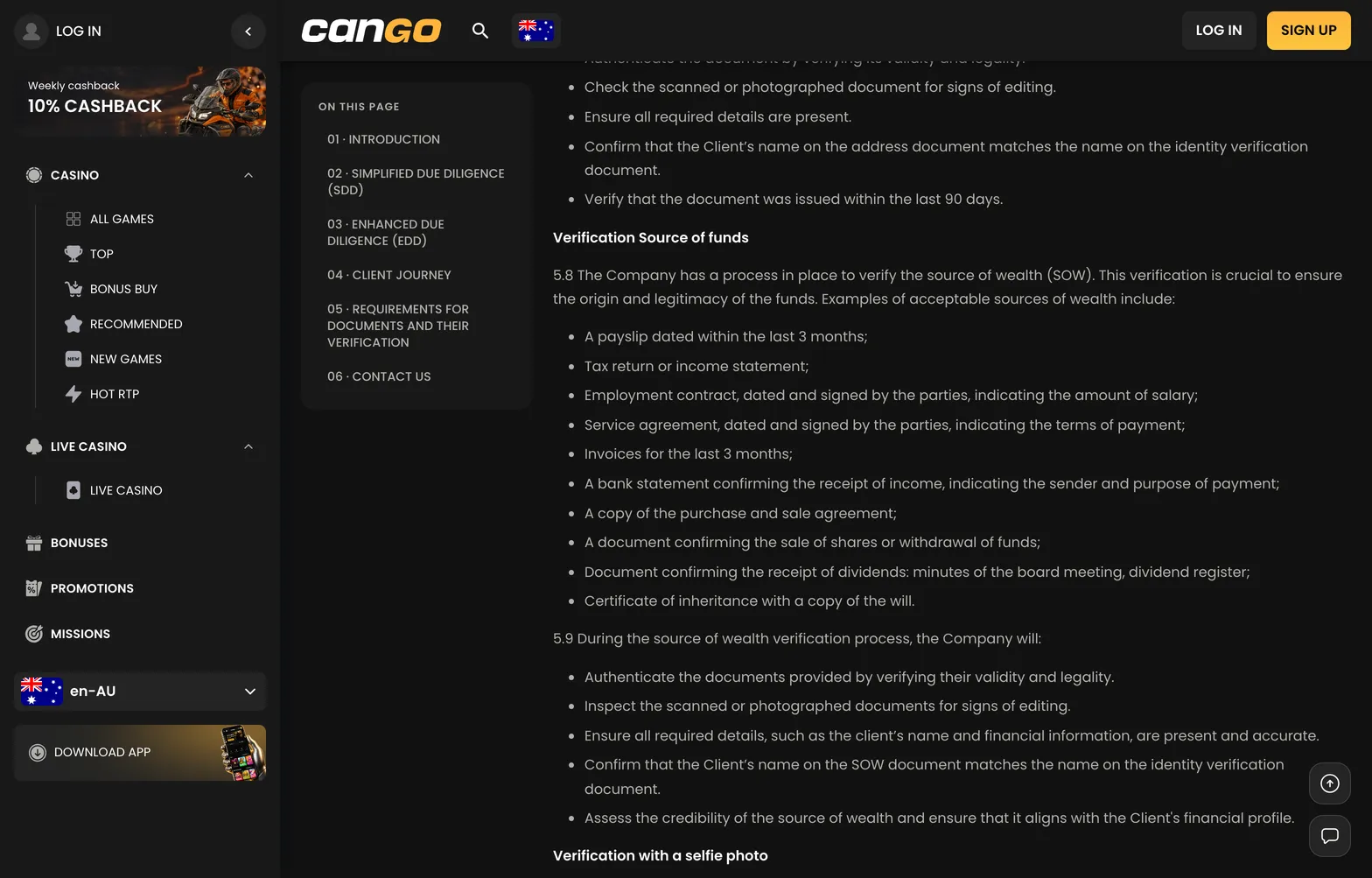
- Incomplete Sumsub verification prevents any money from leaving the casino before your first payout. Open the verification section in your profile to upload a passport, national ID card or another photo ID, a proof of address dated within the last 90 days, and a selfie with your document, which the team typically reviews within 24 to 48 hours.
- Using someone else’s payment method violates the strict ownership rule stated in the cashier and terms document. You can only withdraw to a Visa card, Mastercard, or crypto wallet registered in your own name, and attempting to send funds to a partner’s card or an unverified wallet results in an immediate cancellation.
Cango cashout: step by step
Initiating a cango cashout takes place entirely inside the main cashier window, which you reach by tapping the wallet button at the top of the screen after logging in. Inside the cashier, you switch from the default deposit screen to the Withdraw tab, where the system filters the payout options based on the currency you locked in at registration and the methods you previously used to fund your balance. For Australian players using AUD, this screen displays Visa Original Credit Transfer, Mastercard Payment Transfer, and the cryptocurrency wallet option covering Bitcoin, Ethereum, Tether, and Litecoin. You select your preferred channel, type in an amount of at least A$30 that does not exceed your available real money balance, and enter the destination details such as your card number or personal wallet address. Before hitting the confirmation button, check the bonus section of your profile to verify that no active free spins from Bonanza Billion or Thunder Coins XXL are still sitting in your queue, since an active bonus blocks the Withdraw tab until wagering is done. Once you submit the form, the system logs the transaction in your cashier history and moves the funds out of your playable balance while the finance department conducts its internal checks. For a closer look at how each stage of the queue works, read our guide to Cango withdrawal time before submitting your first form. If any document is missing from your Sumsub profile, the cashier prompts you to upload your proof of address or photo ID before the request can advance to the payment processor.
Request
To submit the request, open the Withdraw tab in the cashier, pick the same method you used for your deposit, and enter a figure between A$30 and A$8,000. Double-check your crypto wallet string or card digits on the screen, then press the confirm button to lock in the instruction.
Status
You can track the status of your money inside the transaction history tab of the cashier. A new request sits in a pending state for up to 24 hours, moves to processing for another 24 hours 7 days a week, and then shows as approved once dispatched.